Built for TradingView®

Three AI-powered indicators
for TradingView®.

Three AI indicators that read the chart so you can focus on the trade — confluence-scored buy/sell calls, adaptive volatility channels, and ML-graded support/resistance, running inside TradingView® on forex, futures, stocks, and more across any timeframe.

Invite-only Pine Script™ access One-time purchase · Lifetime Access Secure checkout via Whop®
Hero chart shown for illustration only. Trading involves substantial risk of loss. Past performance and chart examples are not indicative of future results.

Pick the indicator that fits your trading style

Three indicators, three different jobs — pick the one that matches how you trade. Each installs as an invite-only TradingView script with defaults that work the moment you drop them on the chart.

CSI Pro Trading System

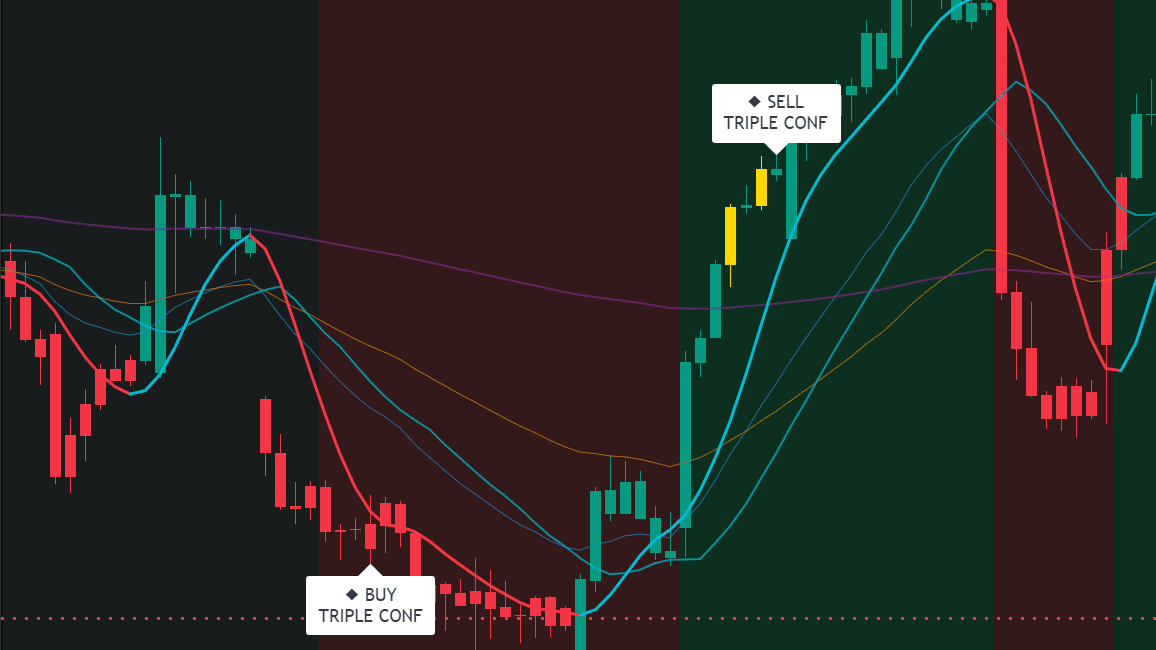
When four AI models agree on a signal, that's confluence. Every buy and sell prints HIGH, MEDIUM, or LOW so you know the strength behind the call before you take it.

  • 4 independent AI models score every signal
  • HIGH / MEDIUM / LOW confidence ratings on chart
  • Any market, any timeframe
  • TradingView® invite-only access
$397 One-time
Lifetime access
See How CSI Pro Works

AI Channel Trader Pro

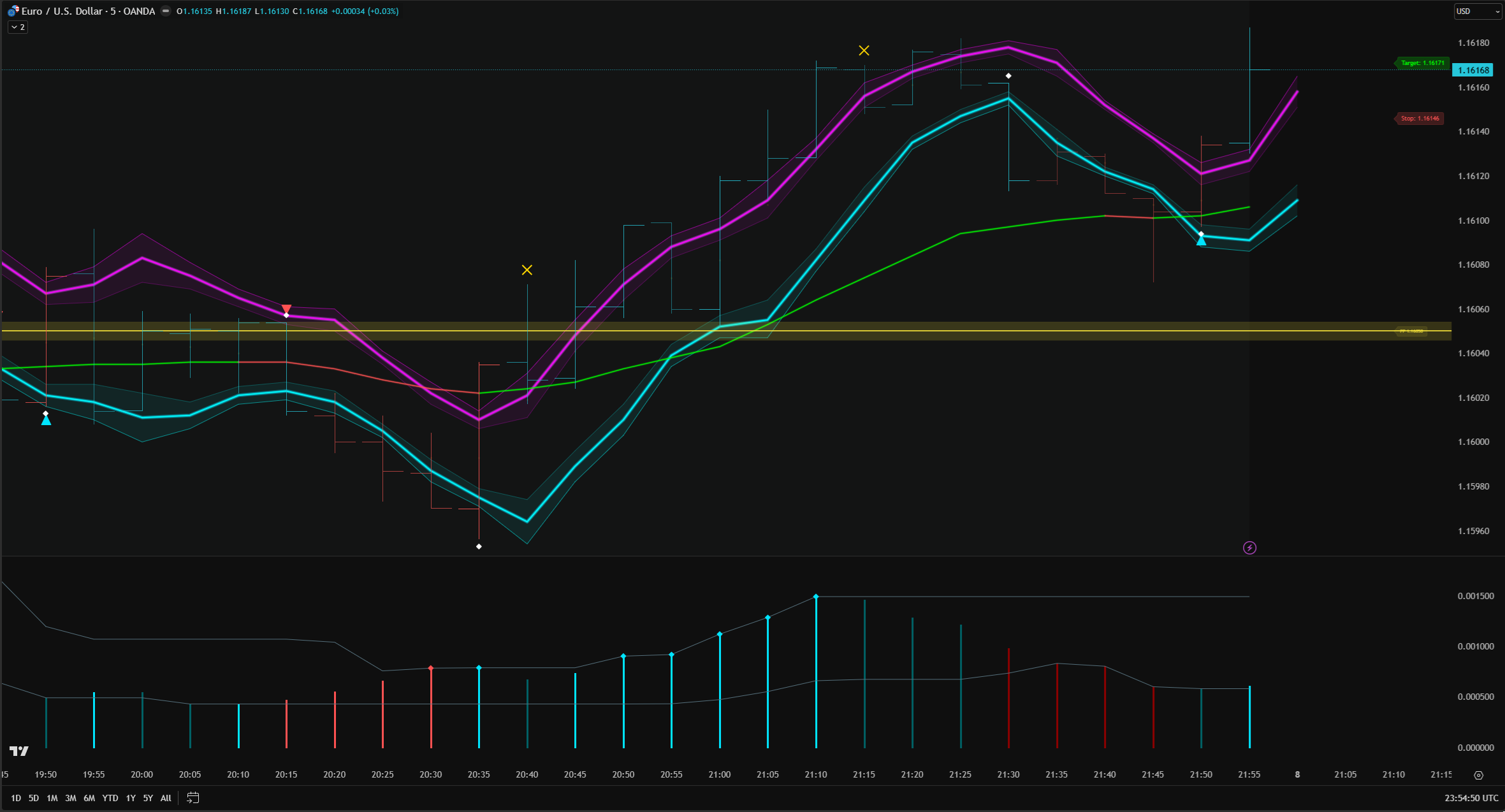
Six volatility-aware bands that widen when the market gets messy and tighten when a trend takes hold — the channel recalibrates every bar so you don't have to tune anything.

  • 6 adaptive bands responding to live volatility
  • 4-state momentum pulse for trend strength
  • AI engine recalibrates every bar
  • TradingView invite-only access
$247 One-time
Lifetime access
See How AI Channel Works

AI SR/TL Pro

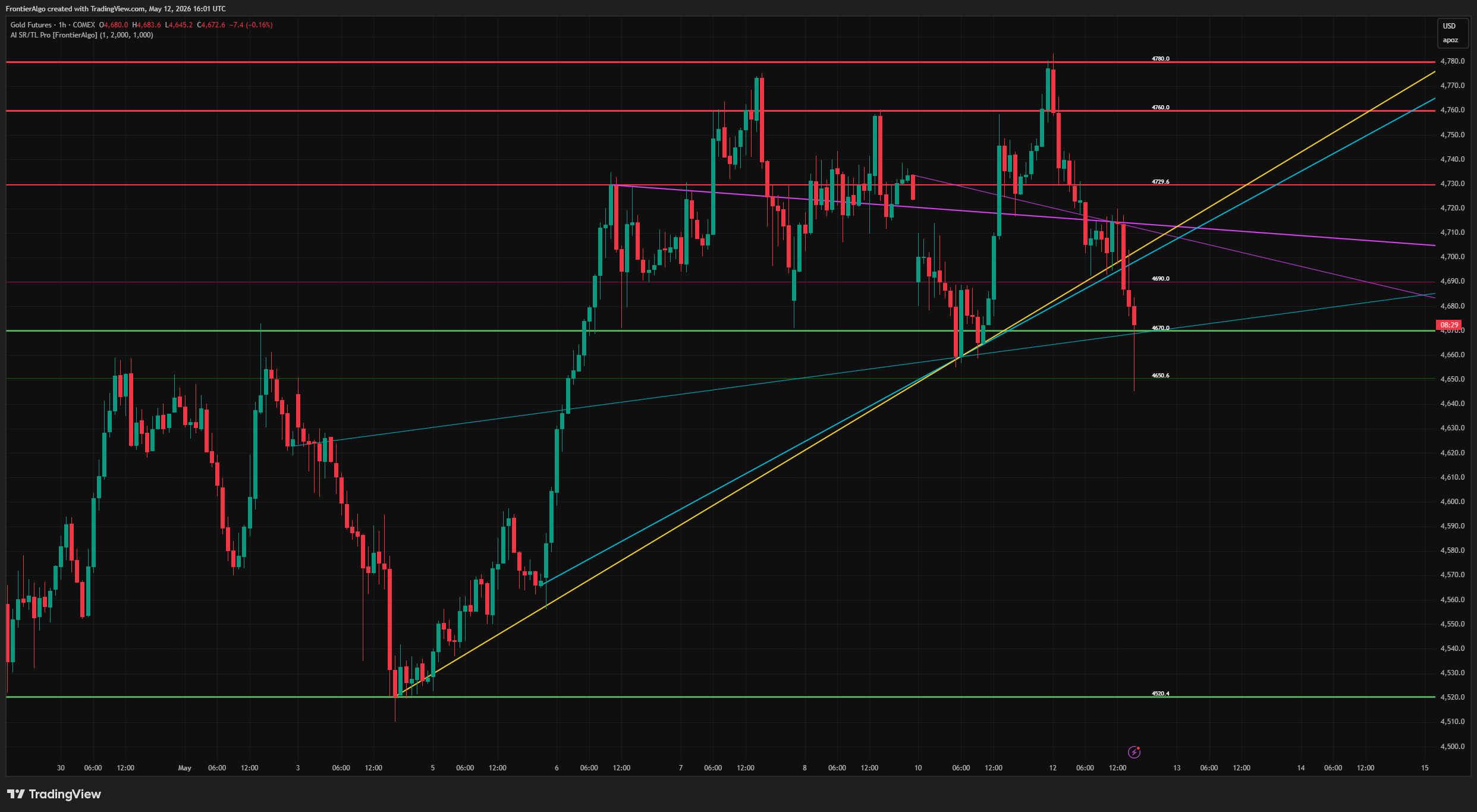
Stop drawing lines. Three ML models find support, resistance, and trend lines on every chart, score each one by strength, and let you toggle what shows — no parameters, no ML knobs.

  • Auto S/R levels & auto trend lines in one indicator
  • 3 ML models with confidence-weighted scoring
  • Sensible defaults — no parameter tuning
  • TradingView invite-only access
$99 One-time
Lifetime access
See How AI SR/TL Pro Works

From checkout to chart in three steps

Indicators are delivered as invite-only Pine Script™ access directly inside your TradingView account.

1

Choose & check out

Pick your indicator and complete a secure one-time purchase on Whop®, our Merchant of Record. Email-only signup — no account hoops.

2

Claim your indicator

In your Whop® dashboard, open this product, enter your exact TradingView username, and click Claim. It then appears in TradingView under Indicators → Invite-Only (refresh if needed).

3

Apply & trade

Open TradingView, find the indicator under Indicators → Invite-Only, drop the script on any chart, and trade. Defaults work; tweak only if you want to.

Built for the self-directed trader

Built by traders who got tired of black-box indicators with twenty knobs. Clear rules, confidence ratings on every signal, defaults that work out of the box — and email support from the people who wrote the code, not a ticket queue. Trading involves risk; we provide tools, not guarantees.

3
Indicators
100K+
Markets
Any
Timeframe
Lifetime
Access

Frequently asked questions

Do I need a TradingView account?
Yes. A free TradingView account works for most users; a paid TradingView plan is only required if you want features TradingView gates behind their tiers (multiple indicators per chart, intrabar timeframes, etc.). Our indicators run on the free TradingView account just fine.
How is the indicator delivered after I purchase?
After checkout, you claim it in your Whop® dashboard. Open this product, enter your exact TradingView username (case-sensitive — exactly as it appears in your profile URL), click Set, then click Claim Indicators. It then appears in TradingView under Indicators → Invite-Only Scripts — refresh if it doesn't show right away. Still stuck? Ask our AI assistant or email support@frontieralgo.com with your TradingView username and Whop order ID.
Is this a signal service?
No. Every FrontierAlgo product is an on-chart indicator — the signals plot directly on your TradingView chart. You decide when, whether, and how to act on them. We don't broadcast picks, take positions on your behalf, or operate any kind of managed account.
Will the indicators work on my market and timeframe?
Yes — any symbol TradingView charts (forex, futures, stocks, ETFs, indices, and more) and any timeframe from sub-minute up to monthly. The AI logic is timeframe-agnostic; it adapts to whatever chart you apply it to.
Is FrontierAlgo affiliated with TradingView?
No. TradingView is the chart platform our indicators run on. We are an independent publisher of invite-only Pine Script™ indicators distributed through TradingView's vendor program. TradingView® is a registered trademark of TradingView Inc.; we are not affiliated with, endorsed by, or sponsored by them.